View the slope side-on. Drag the point to the bottom.
Ready for a live view?
Tap Start camera below to begin.
Add a camera view or photo, then complete all three checks.
Selected photos
Tap a preview to adjust its overlay. Each photo keeps its overlay as you switch. Take a photo to add it to your saved results. Choose photos again to add more.
Visual reference only · not a measurement
Photos
Save all photos opens your phone’s sharing options when supported; choose Save Images if offered. Otherwise, it downloads a ZIP. Tap a thumbnail to review. Save before closing or reloading this tab.
Photo with overlay
Photo details (optional)
Added to your next captured image. Details stay in this tab until you save or share a photo. Check them before each capture.
Adjust overlay
Custom angle & reference details
Ratio = horizontal : vertical. Presets show Appendix B simple-slope limits for excavations up to 20 ft under favorable conditions. Selecting a preset does not classify soil. Slope limits & field checks ↓
Tilt compensation follows your phone. Keep it upright and aim squarely at the slope.
How to position your view
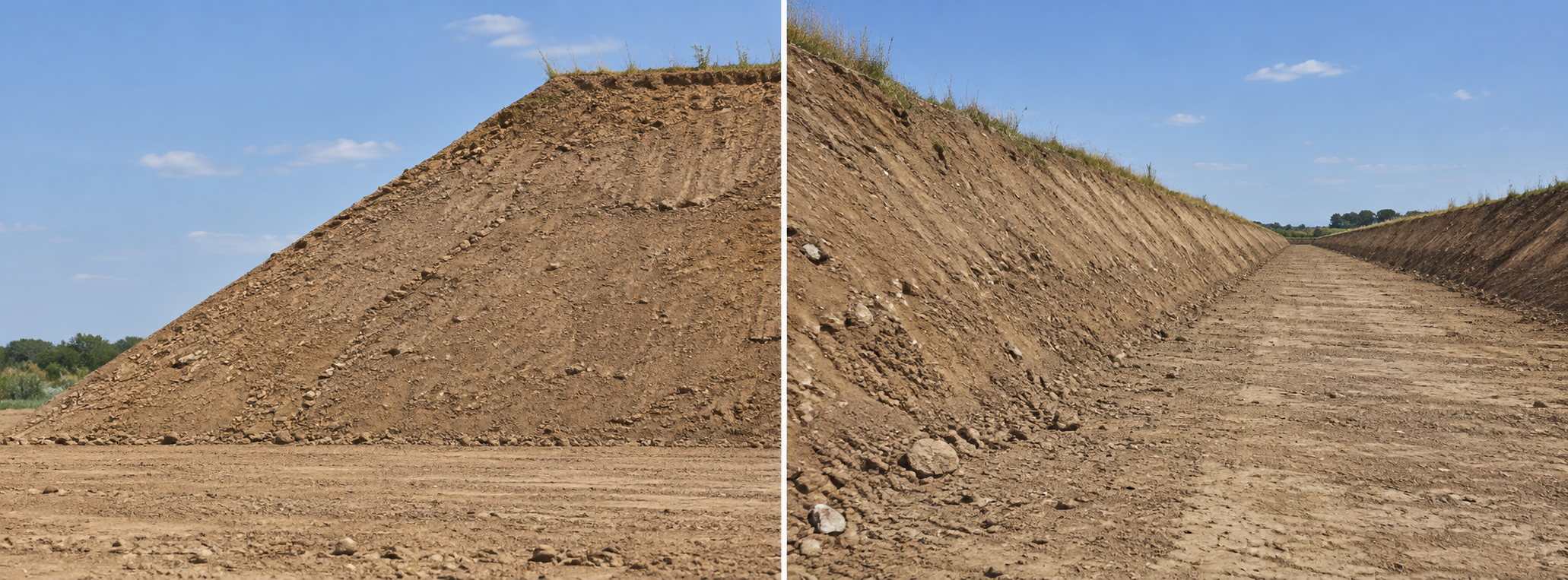
Looking along the excavation distorts the comparison. Keep the phone upright; tilt alignment does not correct perspective or camera pitch. Choose a view from a safe, accessible position.
Align the orange circle with the toe—the bottom of the slope. The lines show your selected reference; they do not detect or measure the soil face.